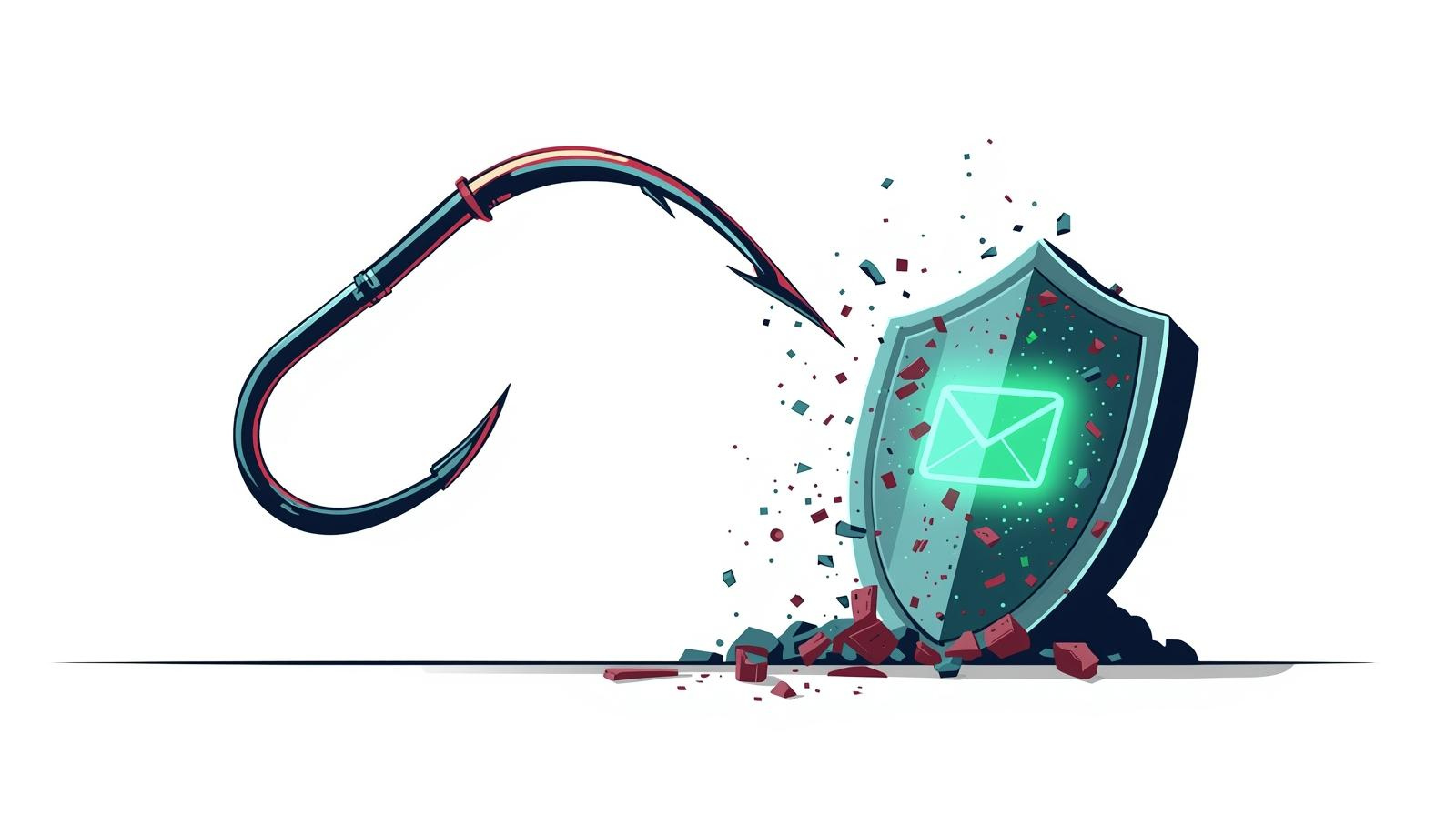
In 2026, phishing is no longer just annoying — it’s one of the most dangerous threats online. Hackers sent over 300 billion phishing emails last year, and AI-powered attacks now impersonate banks, bosses, and even government agencies with terrifying accuracy.
One click on a fake link or attachment in your real inbox can lead to stolen passwords, drained accounts, or full identity theft.
The smartest, simplest defense used by millions of security-conscious people? Disposable email addresses (also called temp mail or temporary email).
These addresses act as a shield: you use a fresh inbox for every sign-up or contact, and when the task is done, the address disappears forever — taking any phishing attempt with it.
At TMNext.org, you get a clean, fast disposable email in 1 second with zero logs and real-time inbox. This complete 2026 guide shows exactly how disposable emails stop phishing cold and how to use them effectively.
How Phishing Scams Actually Work (And Why Your Real Email Is the Perfect Target)
Phishers don’t need your password first — they just need your email address. Once they have it:
They send a perfectly crafted fake email (“Your PayPal account is suspended — click here”).
The link leads to a cloned site that steals your login.
They use your real email to reset passwords on other accounts.
Because you reuse your Gmail or Outlook everywhere, one successful phishing email can cascade into total account takeover.
Disposable email breaks this chain at step 1.
How Disposable Email Addresses Stop Phishing in Its Tracks
When you use a temp mail address:
The phishing email goes to a dead or short-lived inbox you never check again.
Even if you accidentally click a link, the damage is isolated — nothing connects back to your real accounts.
Spammers and hackers waste their time on addresses that expire in minutes or hours.
No long-term profile can be built because the address is never reused.
TMNext.org adds extra layers: real-time inbox so you spot suspicious emails instantly, zero logs, and clean domains that don’t raise red flags.
Step-by-Step: How to Use Disposable Email to Block Phishing Today
Follow this exact workflow for maximum protection:
Before any new sign-up or email exchange
Open https://tmnext.org/en (or https://tmnext.org/en/10minutemail for ultra-short sessions).Generate a fresh address
Copy the temporary email that appears instantly.Use it everywhere non-critical
Shopping sites, newsletters, forums, contests, social media — never your real email.Check emails live
Any message (including potential phishing) appears instantly in your browser.Delete or let it expire
Close the tab when finished — the address and all its emails vanish forever.
Result: Real phishing emails never reach your actual inbox.
7 Powerful Ways Disposable Email Protects You from Specific Phishing Types
Bank & Payment Phishing
Use temp mail for shopping sites — fake “account suspended” emails go nowhere.CEO / Business Email Compromise
Freelancers and remote workers use a separate temp address for client communication.Tech Support Scams
Never give your real email when downloading software — temp mail handles verification.Romance & Dating Scams
Keep your real identity completely hidden on dating apps.Government Impersonation
Fake IRS or tax refund emails die in a disposable inbox.Prize & Lottery Scams
Enter contests safely without lifelong spam or follow-up attacks.Malware Delivery
Even if you open an attachment in the temp inbox, it can’t reach your real device or accounts.
Disposable Email vs Real Email – Phishing Protection Comparison (2026)
Pro Tips to Make Your Disposable Email Even Stronger Against Phishing
Always combine with a good VPN and browser in incognito mode.
Never click links in temp mail — copy and paste URLs manually if needed.
Forward only verified important emails to your real address immediately.
Use the 10-minute version (https://tmnext.org/en/10minutemail) for maximum safety on risky sites.
Train yourself: “If it asks for my real email, I use TMNext instead.”
For advanced phishing defense strategies, read our full disposable email guide: https://tmnext.org/en/disposable-email
Why TMNext.org Is One of the Best Tools Against Phishing in 2026
Lightning-fast real-time inbox (spot suspicious emails instantly)
Clean, high-reputation domains that rarely get blocked
True zero-log policy — no data ever stored
Completely ad-free inbox (no fake ads that could be phishing)
Works perfectly on mobile and desktop
100% free with no registration or limits
Millions of users report zero successful phishing attempts after switching to temp mail for all non-essential sign-ups.
Start Protecting Yourself from Phishing Right Now
Phishing isn’t going away — but you can make yourself an impossible target.
Disposable email addresses are the easiest, most effective first line of defense available in 2026. They cost nothing, take seconds to create, and give you real protection where it matters most.
Don’t wait for the next phishing email to hit your real inbox.
→ Get your free disposable email shield instantly: https://tmnext.org/en
→ Try the 10 Minute Mail version for maximum safety: https://tmnext.org/en/10minutemail
→ Learn more advanced anti-phishing tips: https://tmnext.org/en/disposable-email
Your real email is too valuable to expose.
Make it invisible to phishers starting today.