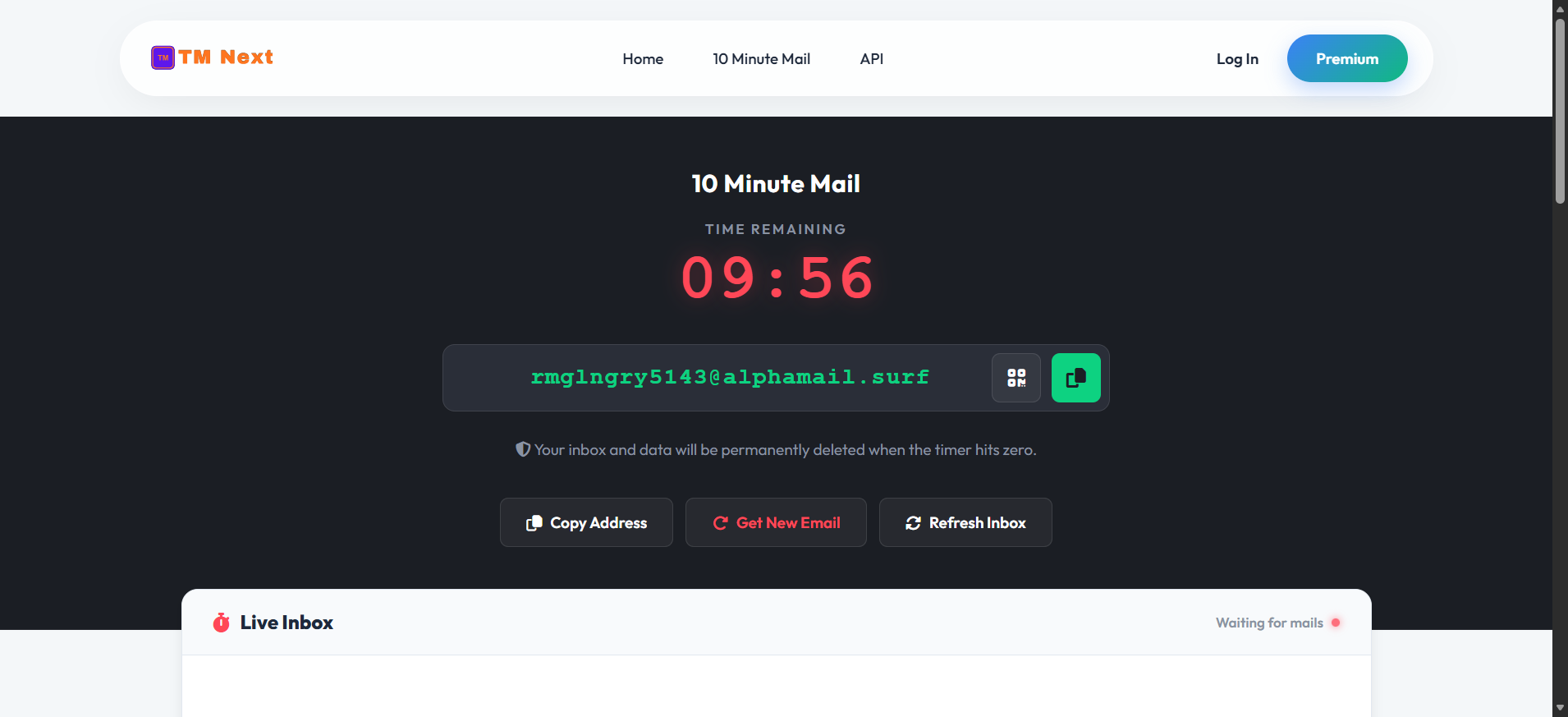
When working in the digital space, managing temporary inboxes is crucial for both privacy and software development. While standard disposable emails are incredibly useful, there are situations where you need something faster and more automated. This is exactly where the 10-Minute Email feature comes into play as a vital part of the TM Next ecosystem.
The Critical Role of Email Testing for Developers
Imagine you have just built a brand-new e-commerce website or a complex Customer Relationship Management (CRM) system. Before handing the final product over to your client, you have to make sure every single feature works perfectly.
When a customer registers on the site, do they receive a welcome email? If someone clicks "Forgot Password," does the reset link actually land in their inbox? Does your marketing tool successfully deliver promotional campaigns to demo accounts?
Testing these functionalities is non-negotiable. If you skip this step and take the project live, the consequences can be highly frustrating. A client who discovers broken email features after launch will naturally be disappointed. It leads to endless revisions, wasted time, and a damaged reputation. Thorough testing ensures that the final product is flawless.
Standard Temp Mail vs. 10-Minute Email: What’s the Difference?
You might be wondering: if TM Next already provides reliable temporary emails, why is there a specific need for a 10-minute version?
The answer lies in automation and convenience. When you generate a standard email from the main homepage or disposable page, that inbox remains active for a few days unless you take action. If you want a fresh address or want to clear the inbox, you have to manually delete it and request a new one.
The 10-Minute Email completely removes this manual effort. As the name suggests, the system provides you with a secure, temporary inbox that is programmed to self-destruct. After exactly ten minutes, the current email address—along with all the messages inside it—is automatically wiped clean, and a brand-new email address is instantly generated for you.
Designed for Ultimate Convenience
This auto-refreshing cycle is incredibly beneficial for rapid software testing or quick sign-ups. You don't have to constantly click buttons to delete old emails or generate new ones. Our tool is specifically designed to handle the cleanup process automatically, ensuring a smooth, seamless, and annoyance-free experience for everyone.
Conclusion
Whether you are a web developer stress-testing an e-commerce checkout flow, setting up demo accounts for a CRM, or just a user needing a quick sign-up without the spam, the 10-Minute Email by TM Next is the ultimate time-saver. By eliminating the need for manual inbox management, it allows you to focus on your work while the system handles the rest. Try it today and experience true digital convenience!
Frequently Asked Questions (FAQ)
1. Is the 10-Minute Email feature free to use? Yes, the 10-Minute Email service provided by TM Next is completely free. You can use it as many times as you need for your testing or privacy purposes without any hidden charges.
2. Can I recover my emails after the 10 minutes are over? No. To ensure maximum privacy and keep the system clean, all emails and the temporary address itself are permanently deleted after the 10-minute timer expires. They cannot be recovered.
3. What if I need the email address for a longer period? If you need an inbox that lasts longer than 10 minutes, you should use the standard temporary email option available on the TM Next homepage. That version stays active until you manually delete or change it.
4. Is it safe for testing client projects? Absolutely! It is the perfect tool for developers. You can safely send test emails from your CRM, e-commerce site, or marketing tools to our temporary inboxes without worrying about spamming your personal or corporate email addresses.